Your clients, your programs, all in your pocket.
Manage your clients, build workout and nutrition programs, and schedule your sessions, all from your phone. Your clients follow their programs in the same app.
Joining as a client?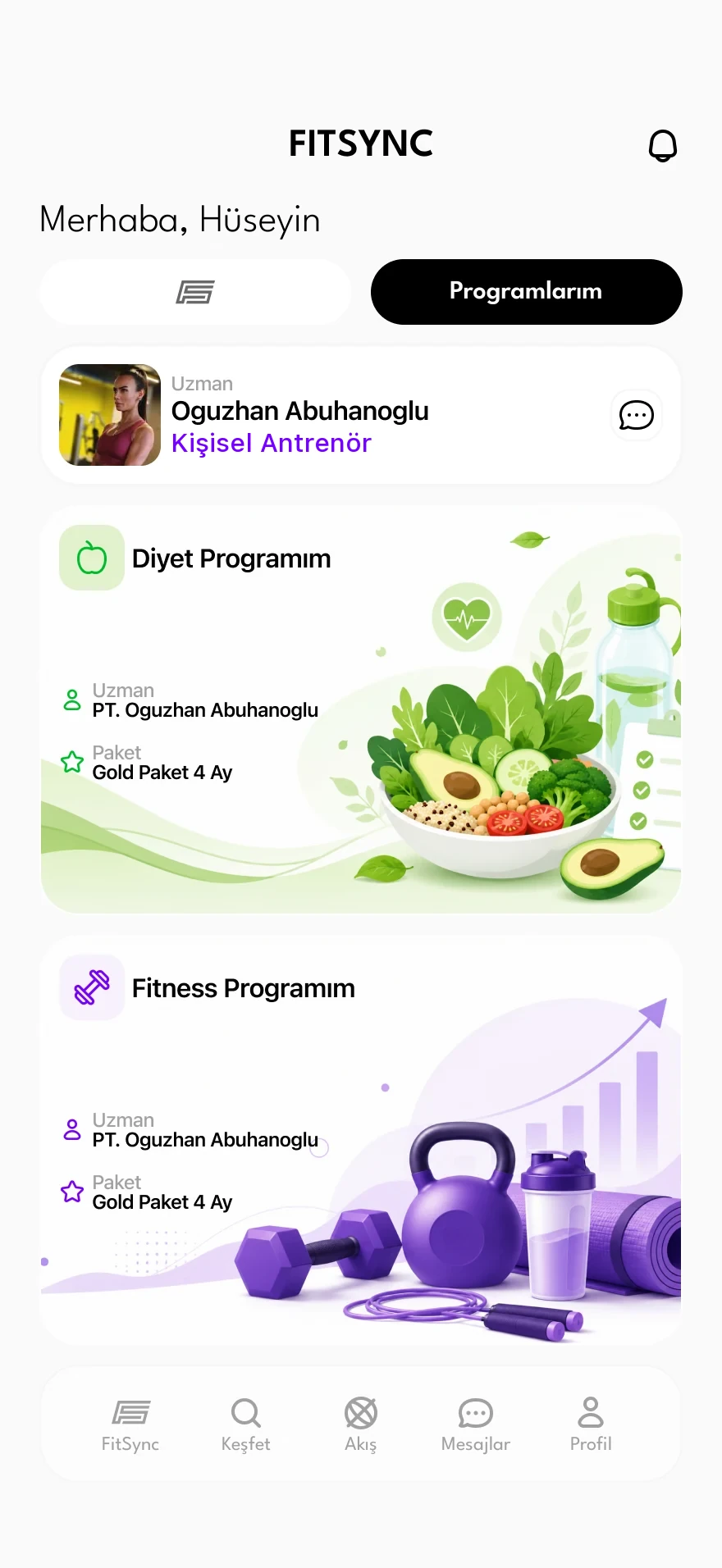
The simplest wayto run your practice.
Manage your clients, programs, sessions and earnings from your phone. No desk required.
-
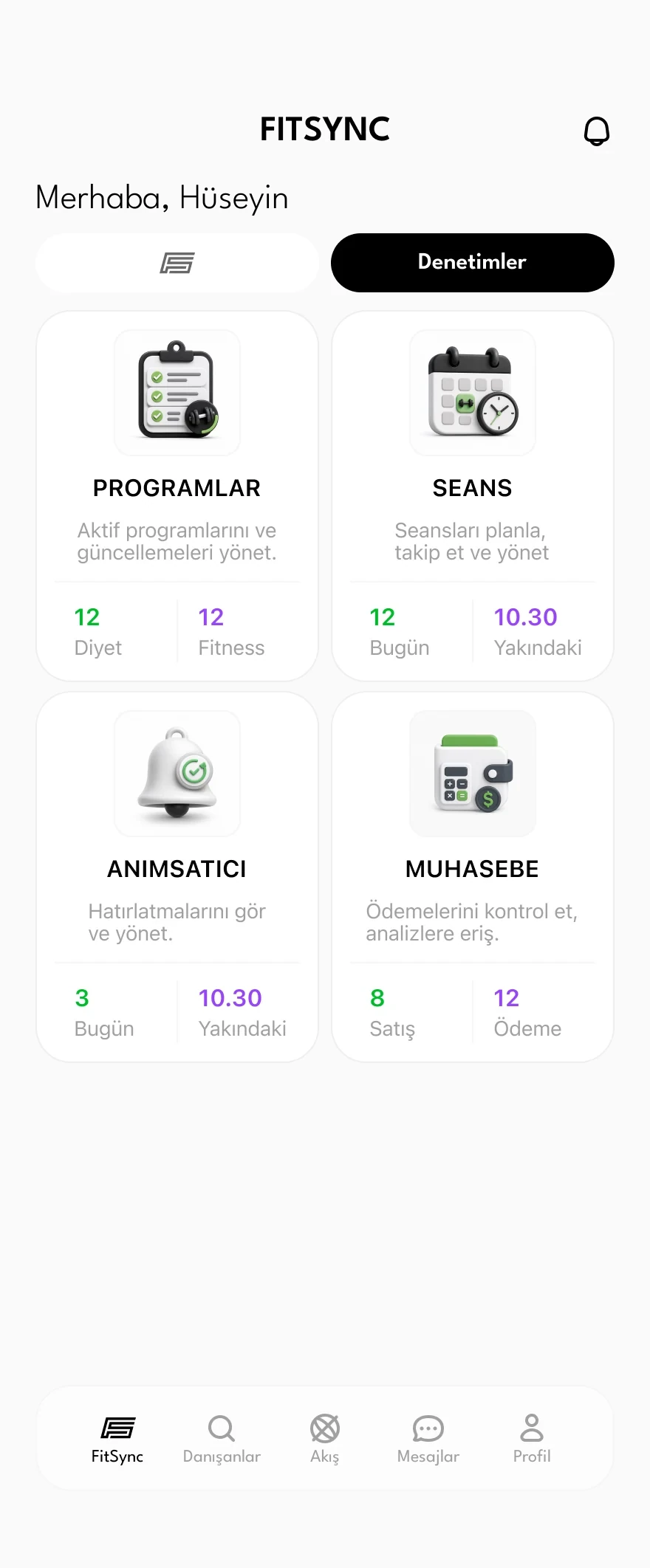
Your whole day on one screen.
Programs, sessions, reminders and accounting each get a card with today's numbers. The moment you open the app, you know where to look.
-
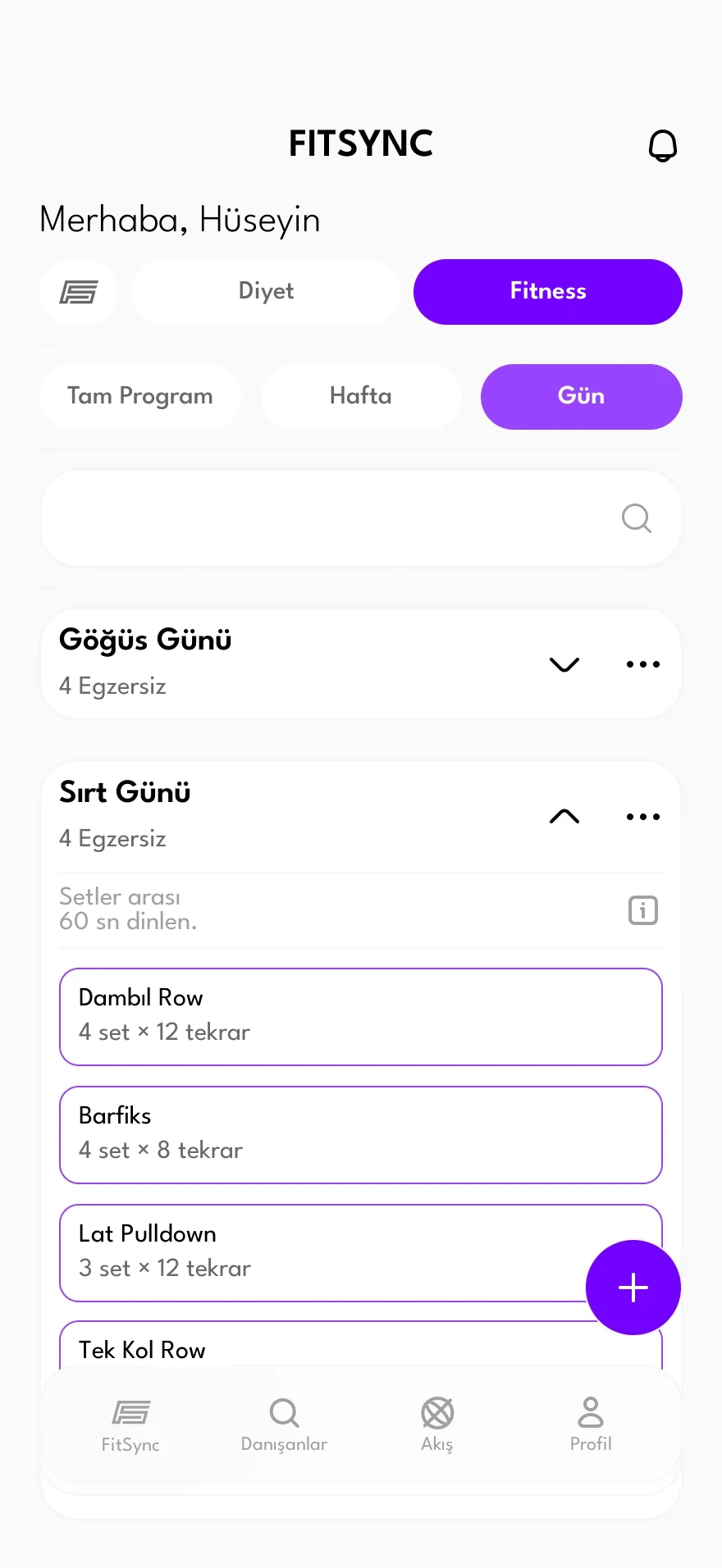
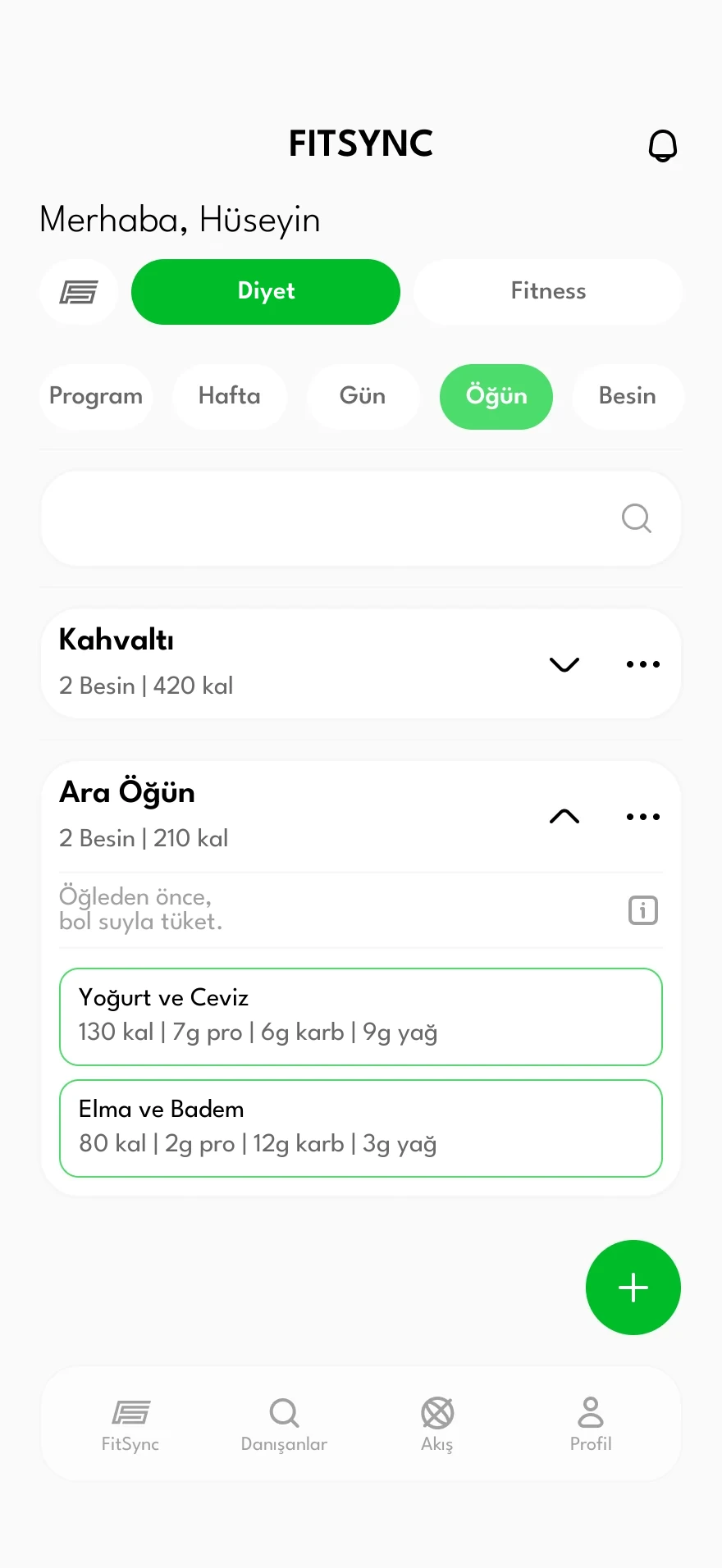
Build programs meal by meal, day by day.
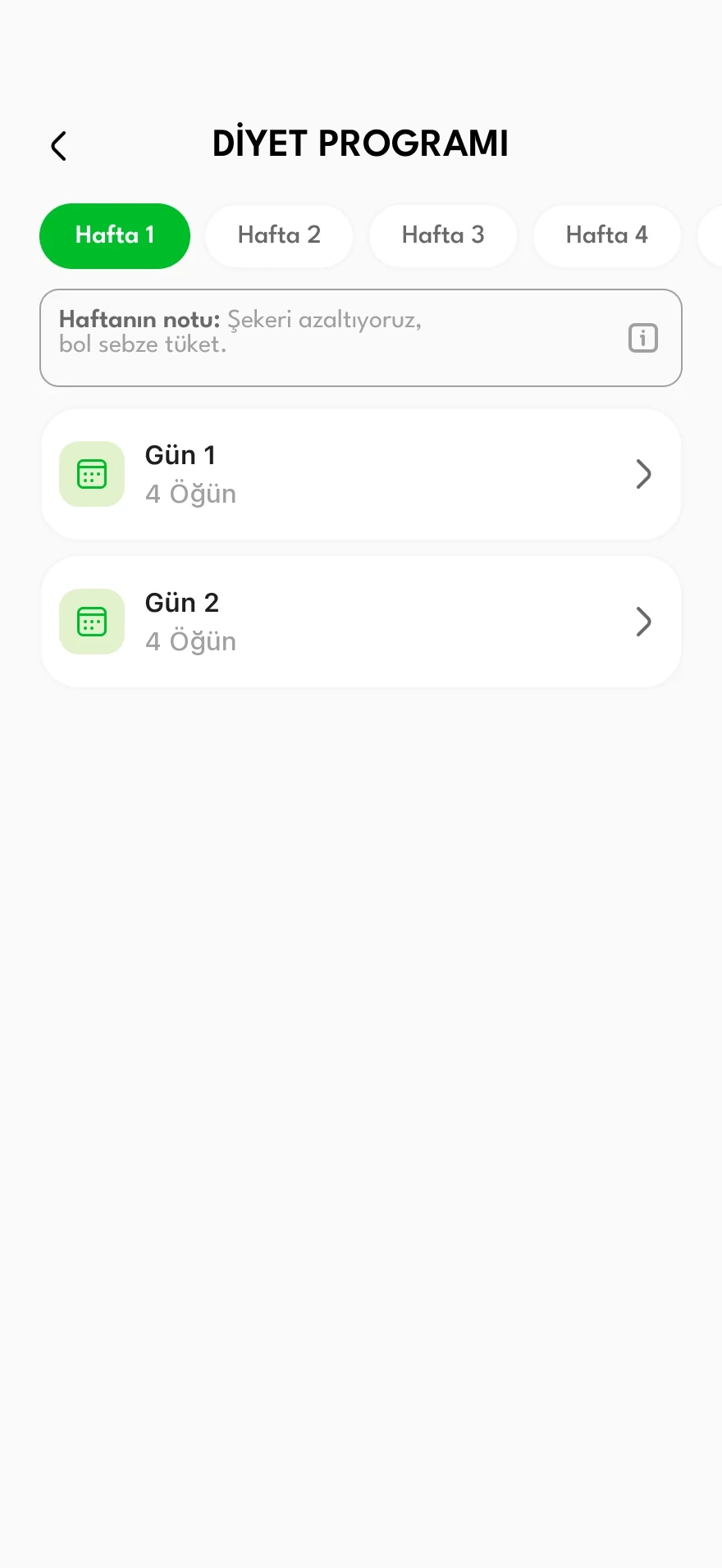
Add meals and foods for diets, days and exercises for fitness. Copy your saved days and weeks to finish a program in minutes.
-
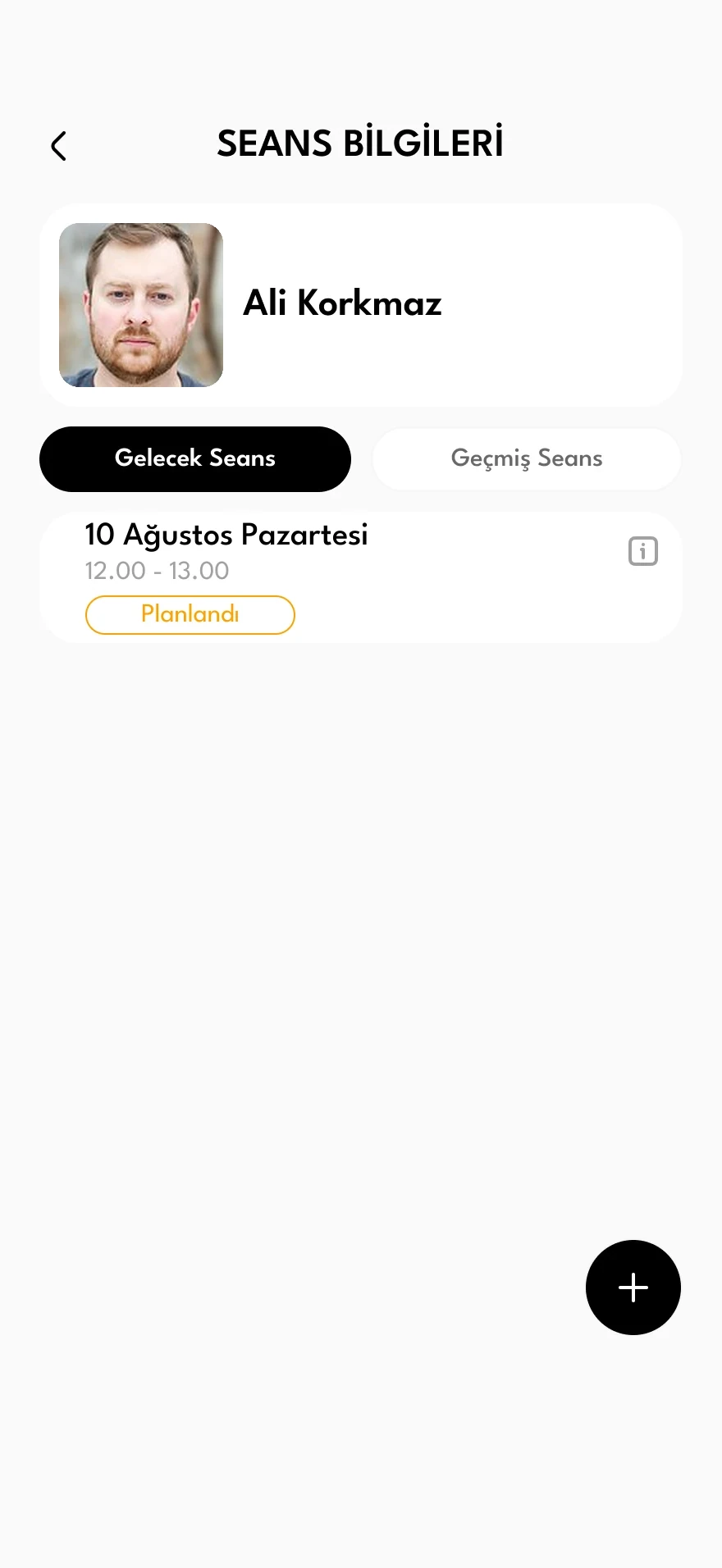
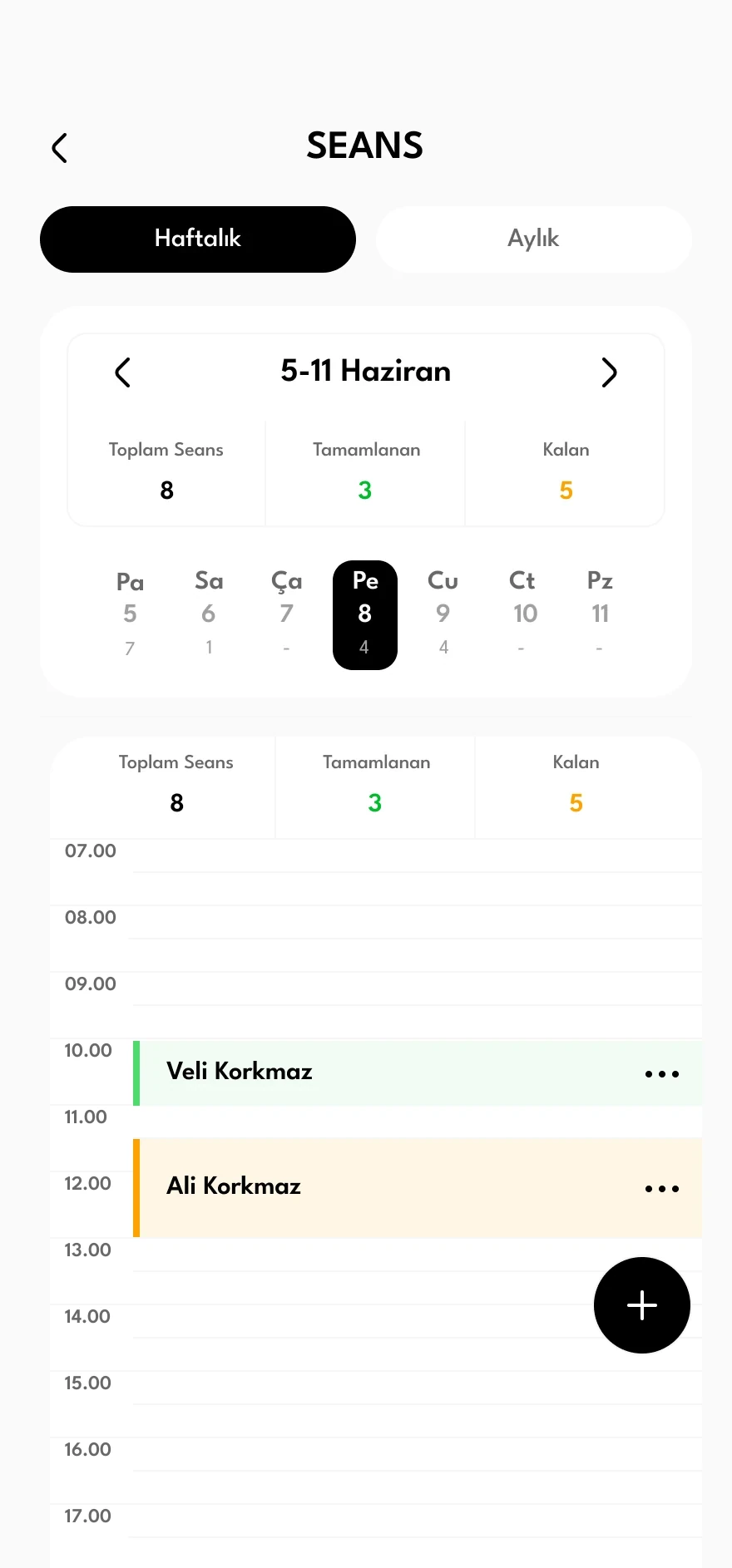
Plan your sessions weekly or monthly.
See total, completed and remaining sessions at a glance. Pick your client, set the time, create the session.
-
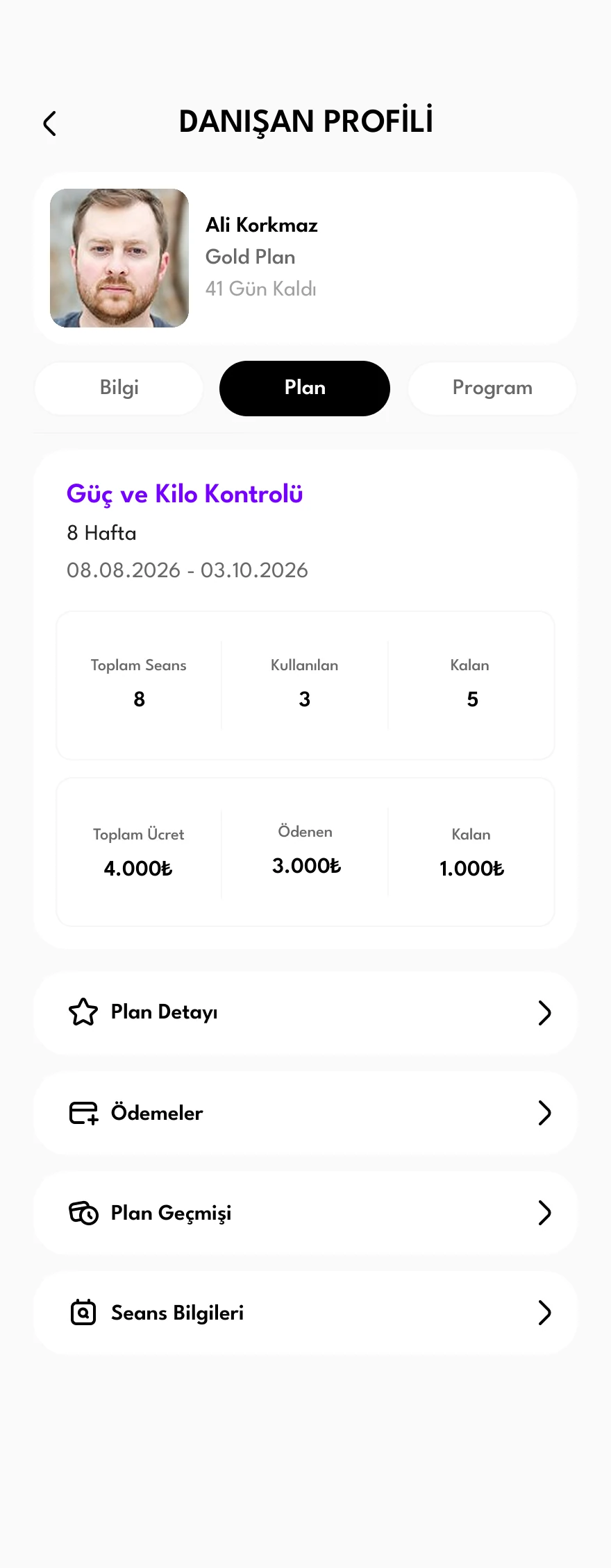
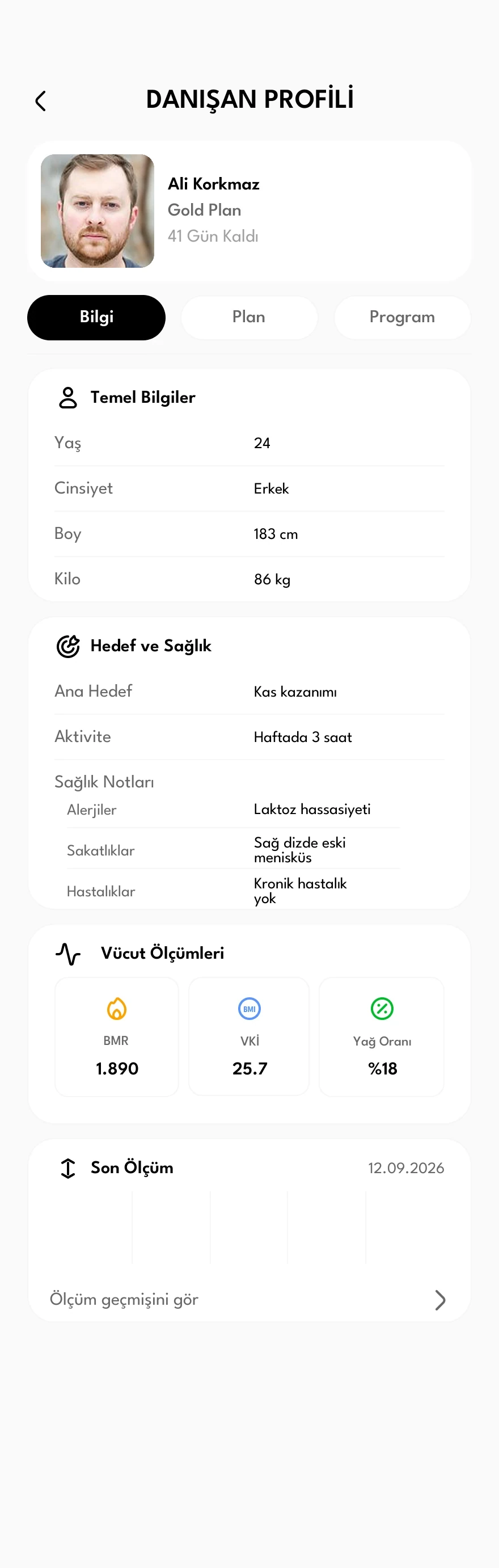
Every client in a single profile.
Basic info, goals and health notes, BMR, BMI and body fat, measurement history. Manage their plan, sessions and payments from the same profile.
-
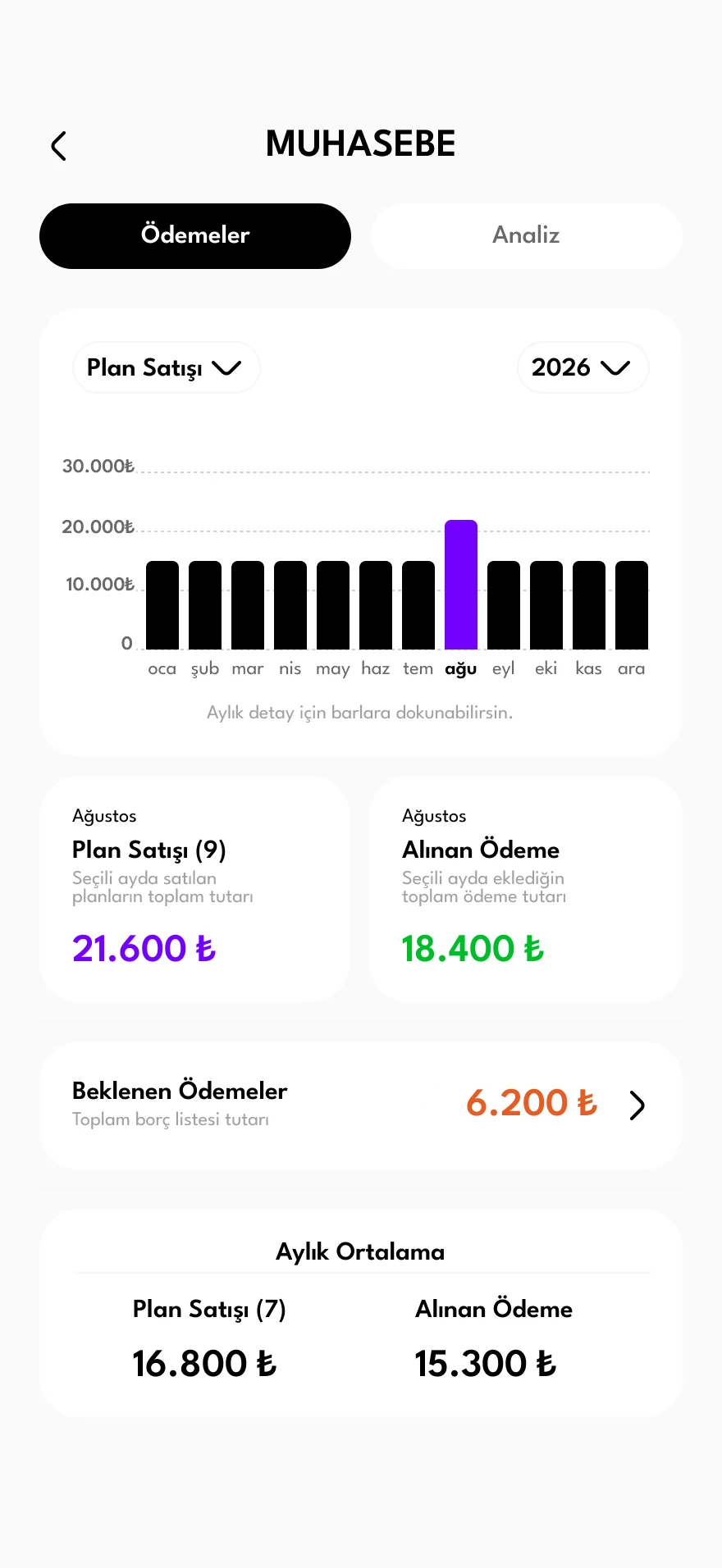
Track your income month by month.
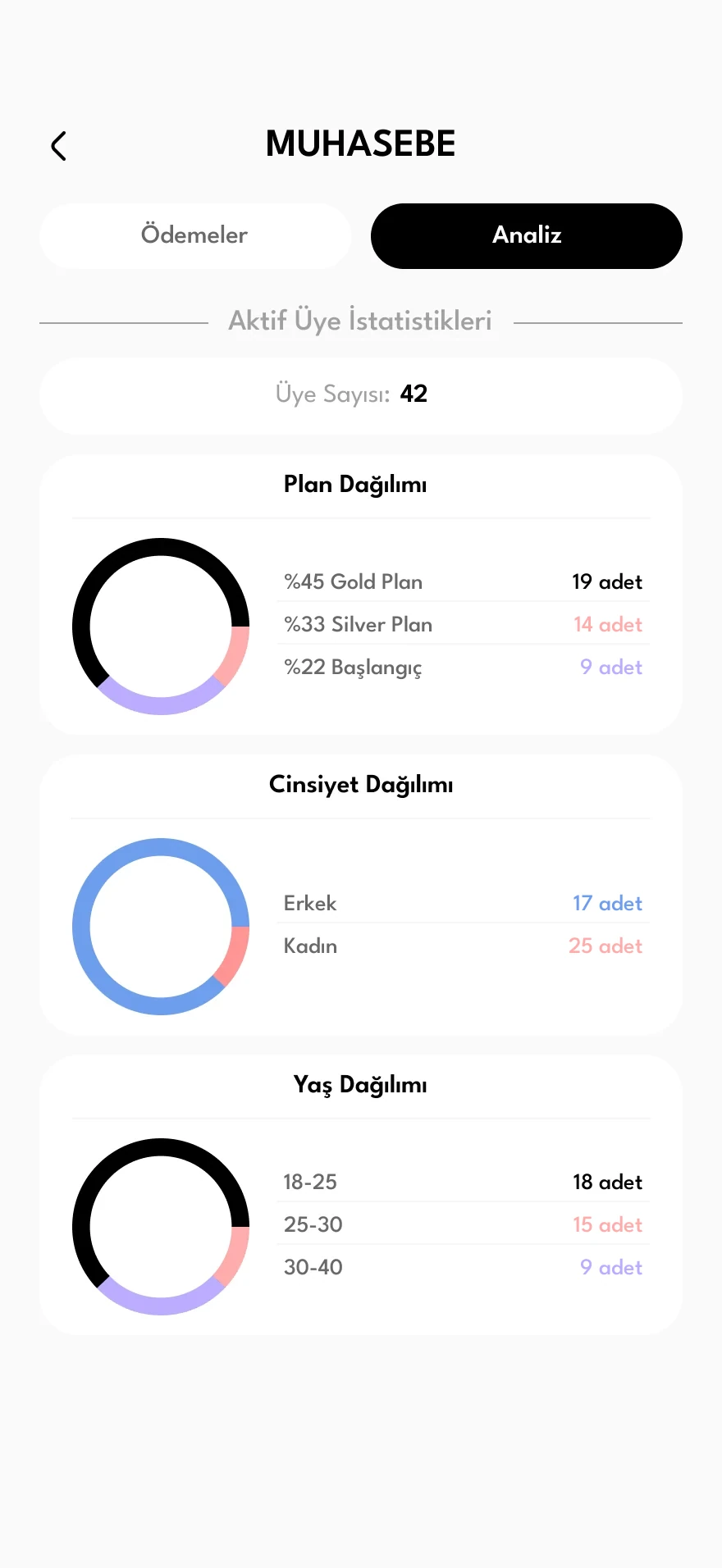
Plan sales, received and pending payments in charts. In the analytics tab, see your members by plan, gender and age.
Get startedin four steps.
From setup to the first measurement check, every step happens in the same system. You and your client look at the same table.
-
Create your profile
Set your specialty, location and working hours in a few steps.
-
Create your packages
Prepare training and nutrition packages with duration, session count and price.
-
Invite your clients
Share the invite link or add them by phone number; they appear in your list once they join.
-
Track progress together
See progress instantly as your clients check things off and share measurements.
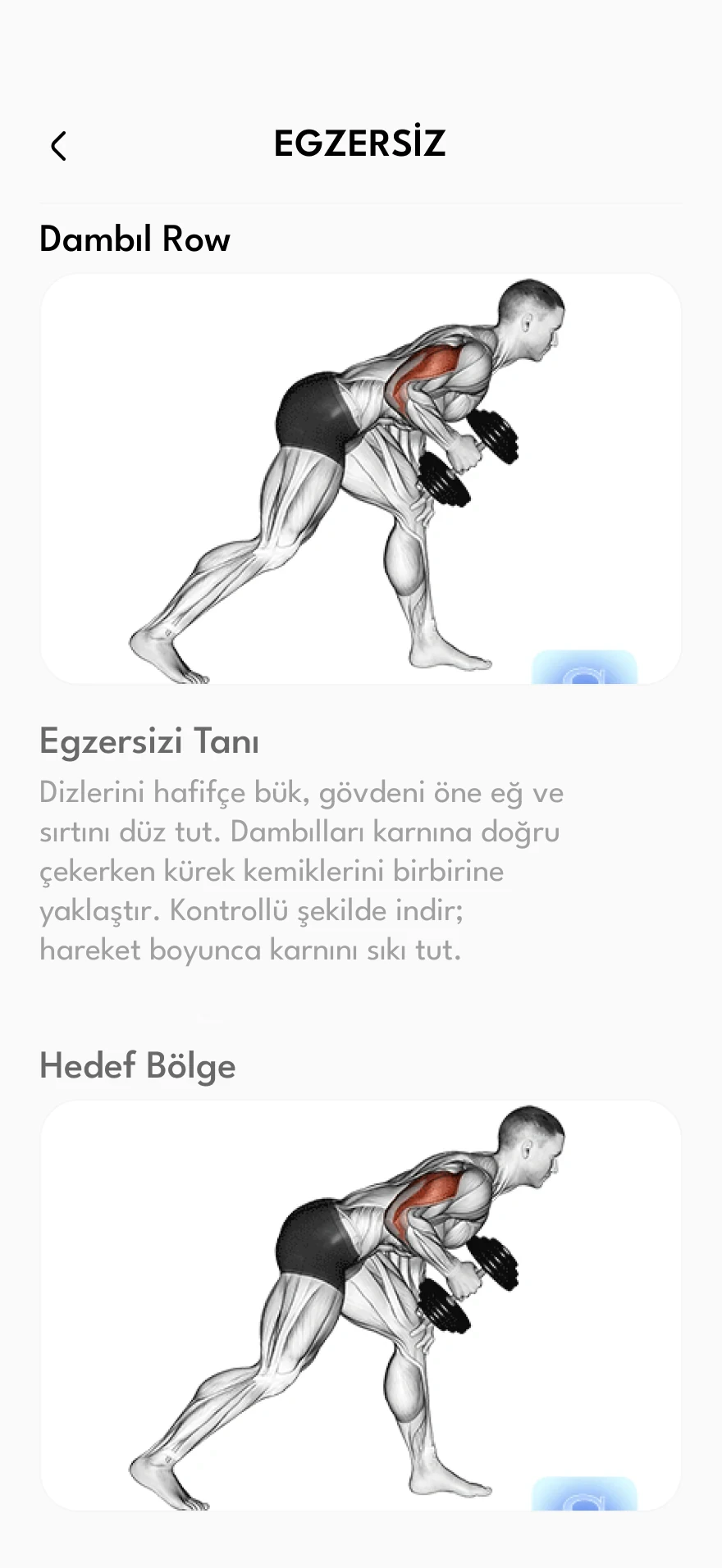
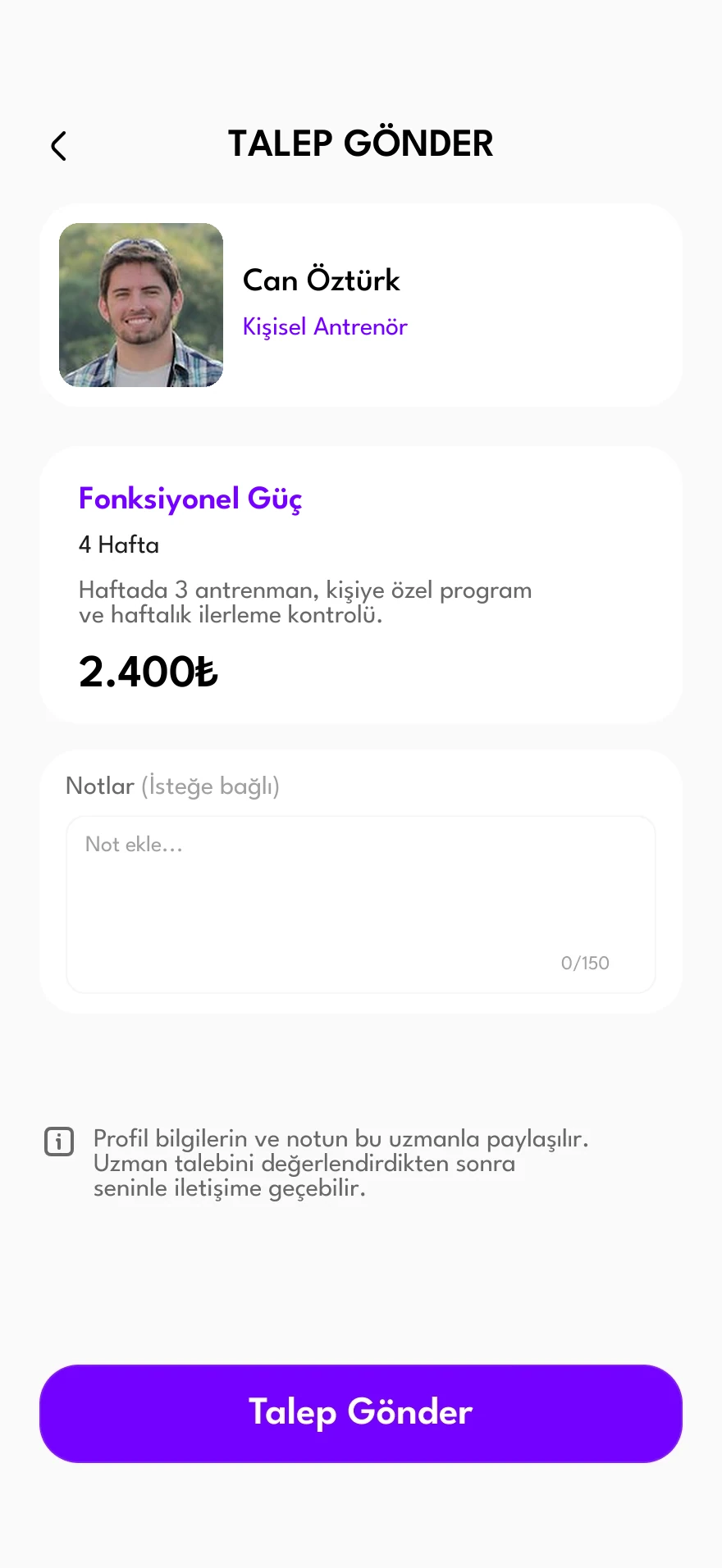
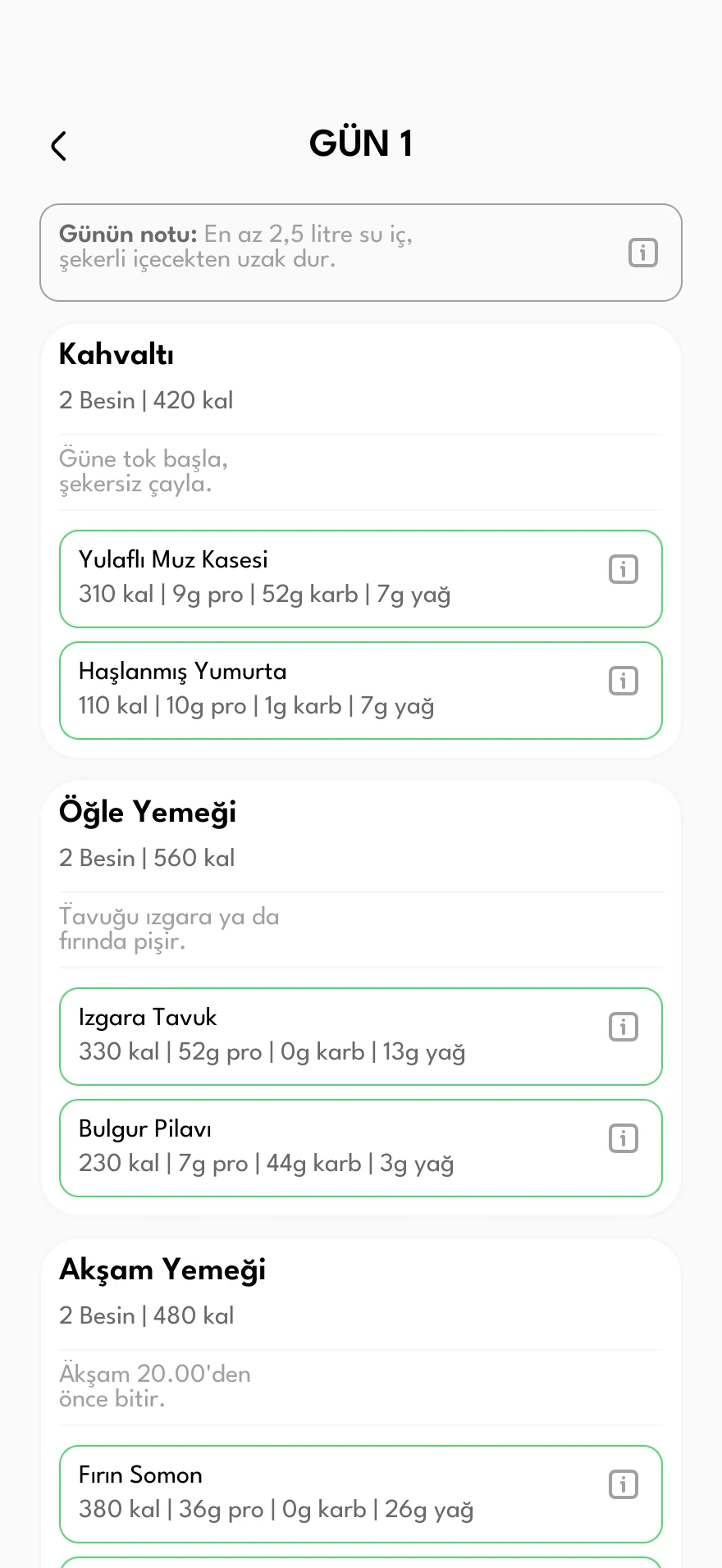
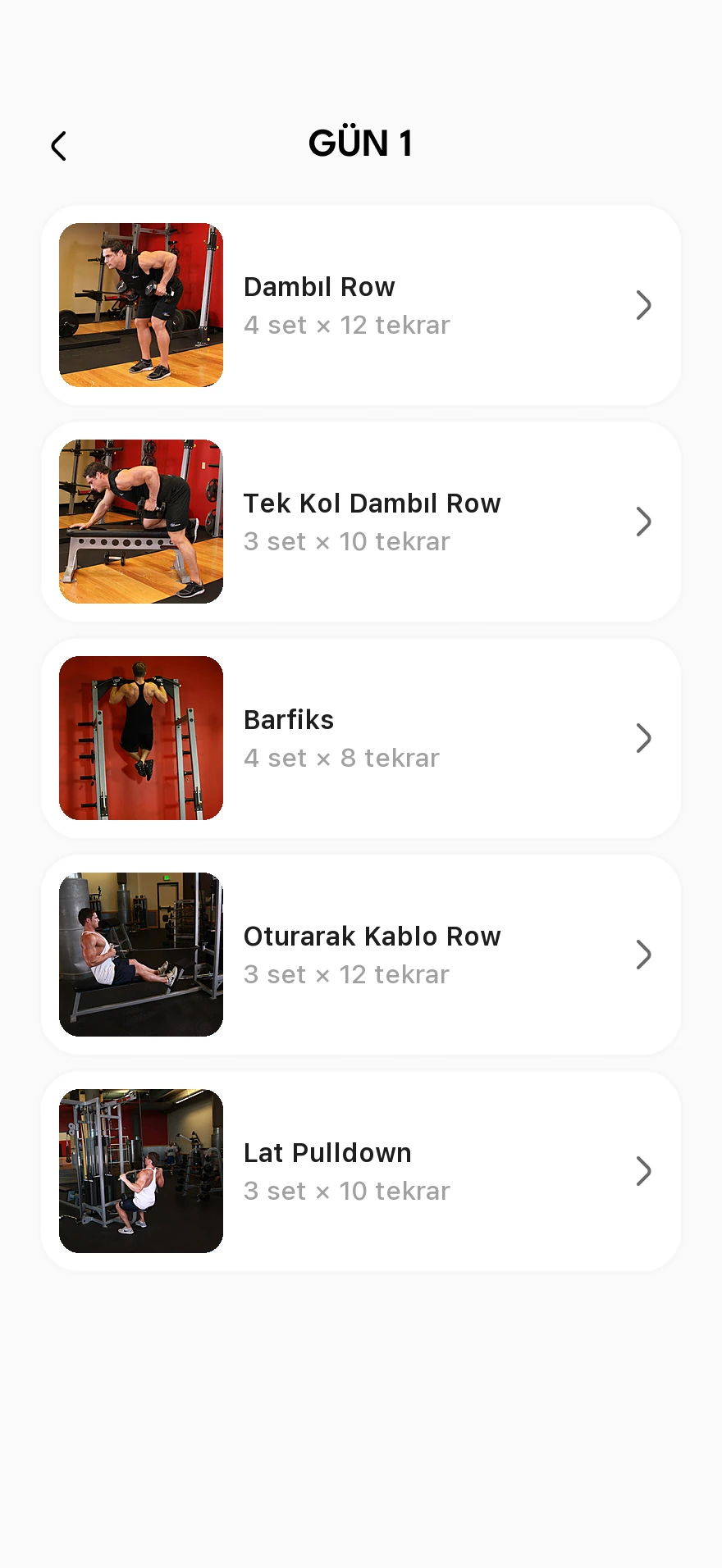
Your clients arein the same app.
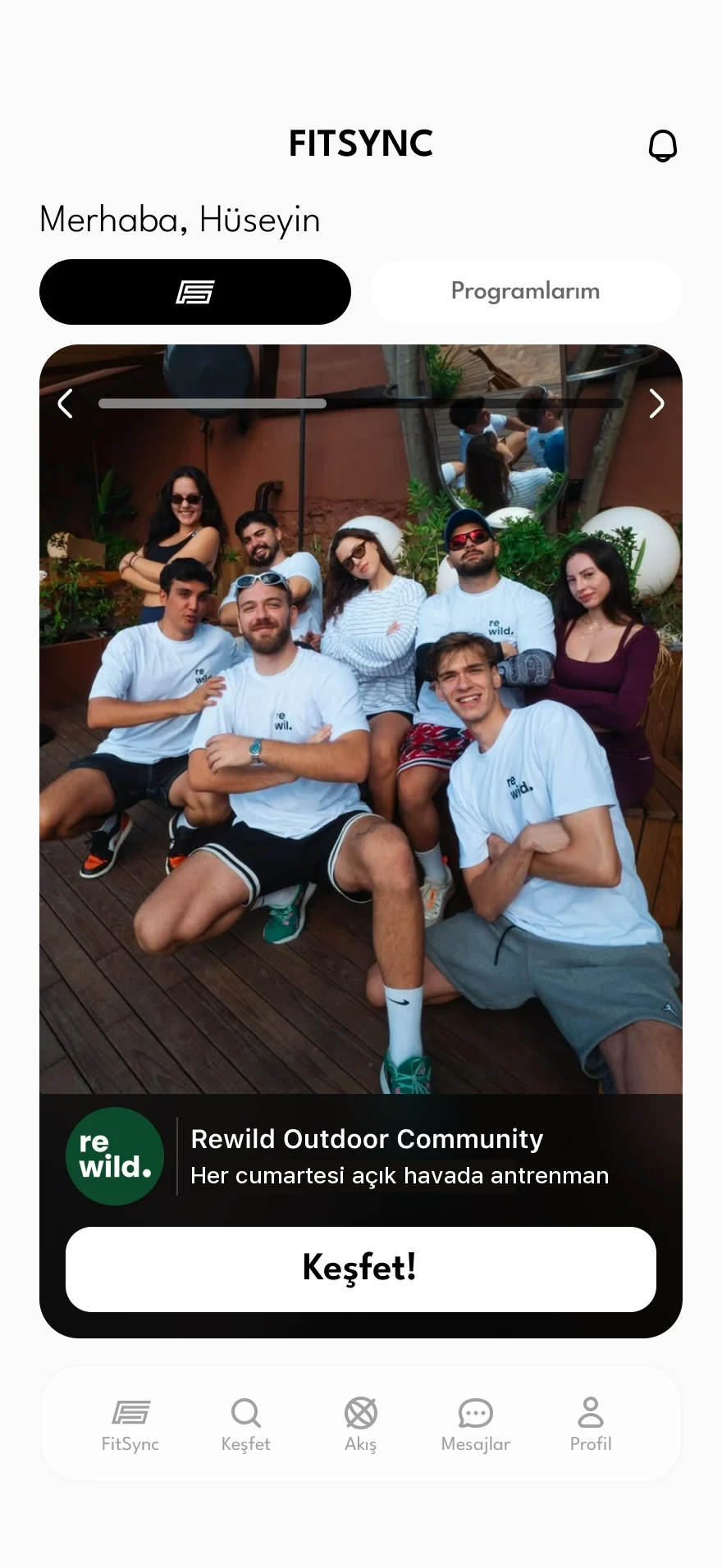
When you update a program, your client sees it on their phone. Fewer follow-up messages, steadier progress.
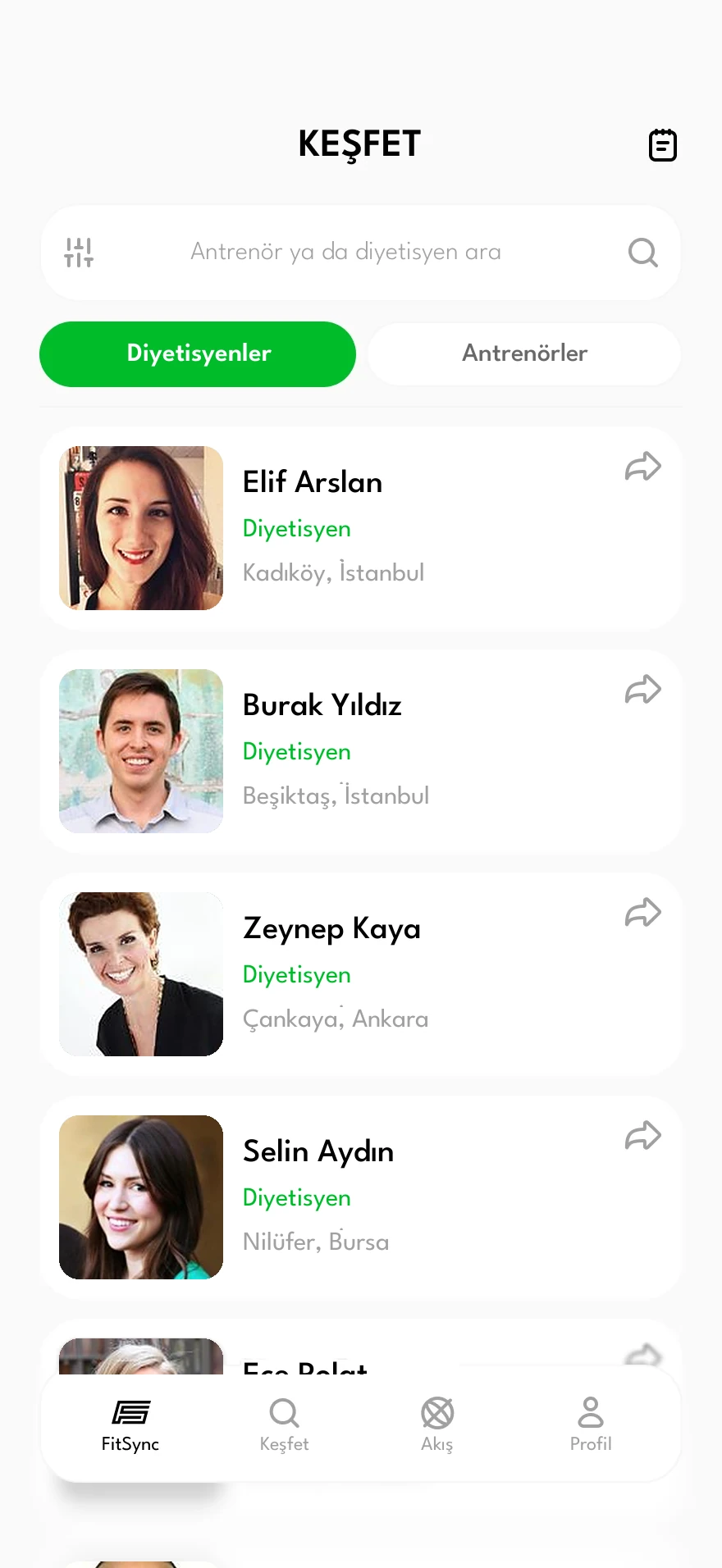
One link betweenexpert and client.
FitSync brings personal trainers, dietitians and their clients together on a single connected platform. When you update the plan, your client sees it instantly; when they check something off, you know.
You plus FitSync plus your clients
Selin Aydın
Dietitian
- Program updated · Elif K.
- Session scheduled · Sat 10:00
- New plan sent to client
Elif Kaya
Strength + nutrition
Zeynep Arslan
Sports nutrition
Workout completed
Elif K. · Lower body · Strength
Frequently askedquestions
Who is FitSync for?
Personal trainers and dietitians who work with clients. Your clients connect to the same system through the FitSync app, so both sides look at the same up-to-date information.
How do my clients use FitSync?
They download the app, find you in Discover and send a plan request; once you approve, they become your client. They see their diet and fitness programs, meals and exercises in the app, and can message you.
How do I create workout and nutrition programs?
For diets, add meals and foods; for fitness, add days and exercises, and build up the weeks. Copy your saved days and weeks to finish a program quickly.
Can I track my sessions and payments?
Yes. Schedule online and in-person sessions in the calendar, and follow packages and collections in the same place.
Which devices can I use it on?
FitSync is on the App Store for iOS right now; the Android version is coming soon. Experts can also continue in the browser.
Focus on your expertise, FitSync handles the rest.
Download FitSync and manage your clients, programs and sessions in one place.
Scan with your phone
Point your camera at the code and download FitSync right away.